
Table of contents
Steps
1. Open your tracking page from the link in your text message or email (see [Tracking Your Delivery](../01-tracking-your-delivery/en.md)).
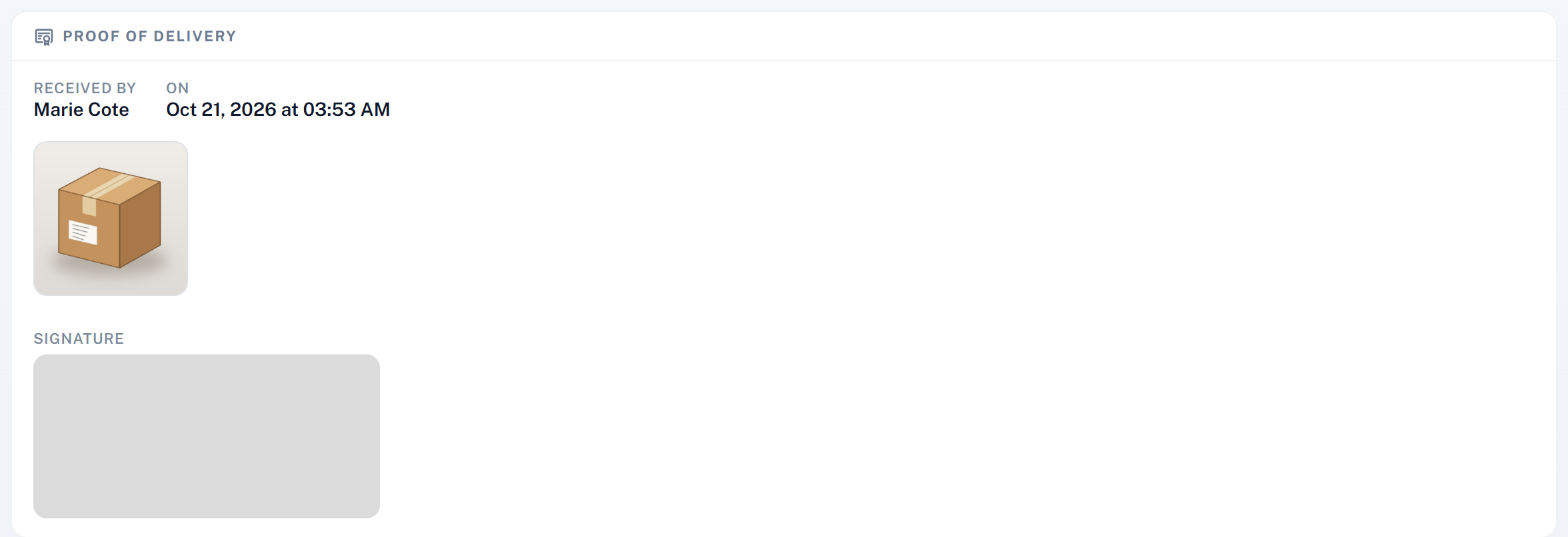
2. Scroll to Proof of delivery. It shows:
Received by: the name of the person who took the parcel;
On: the date and time of the delivery;
the photos (and videos) taken at the door: tap one to enlarge it;
the Signature, if someone signed.
When there is no proof
If no proof was recorded, or if only part of your order was delivered, the page says so under What happens next and tells you to contact the sender of your parcel: they have the detail of every item and can arrange what comes next.
Was this article helpful?
Still need help?
Contact support