
Table of contents
Before you begin
Use an email address you can open now: the activation link is sent there.
A carrier invited you? Open the link in their invitation email instead. The Accept your invitation page only asks you to choose a password; your account is then already linked to that carrier.
Steps
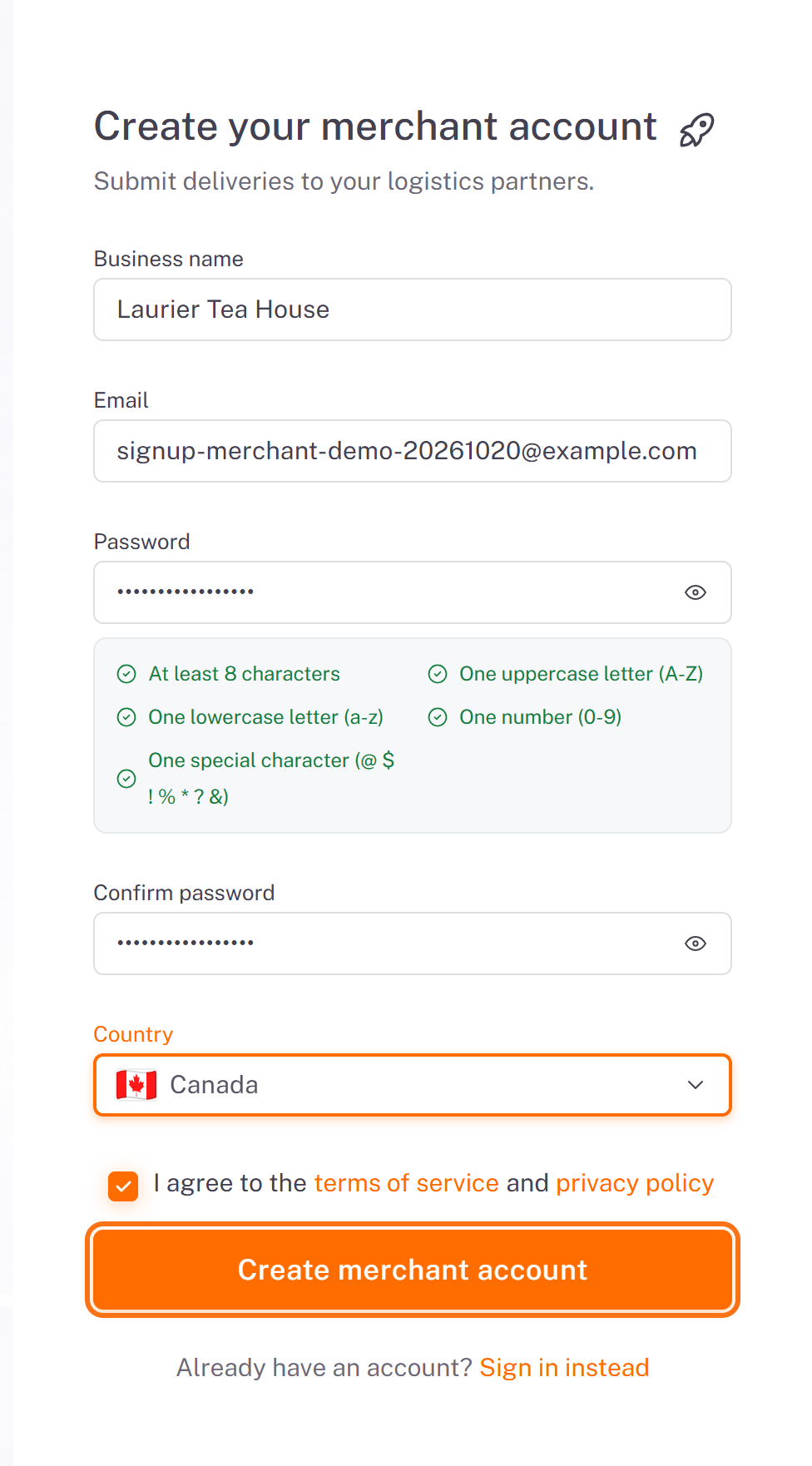
1. Go to merchant.dropioo.com and click Create a merchant account. Fill in:
Business name: the name your carriers and customers know (2 characters minimum). It cannot be changed later from the portal.
Email and Password. The password needs at least 8 characters, one uppercase letter, one lowercase letter, one number and one special character among
@ $ ! % * ? &. The list under the field turns green as each rule is met.Confirm password, then your Country.
Tick I agree to the terms of service and privacy policy, then click Create merchant account.
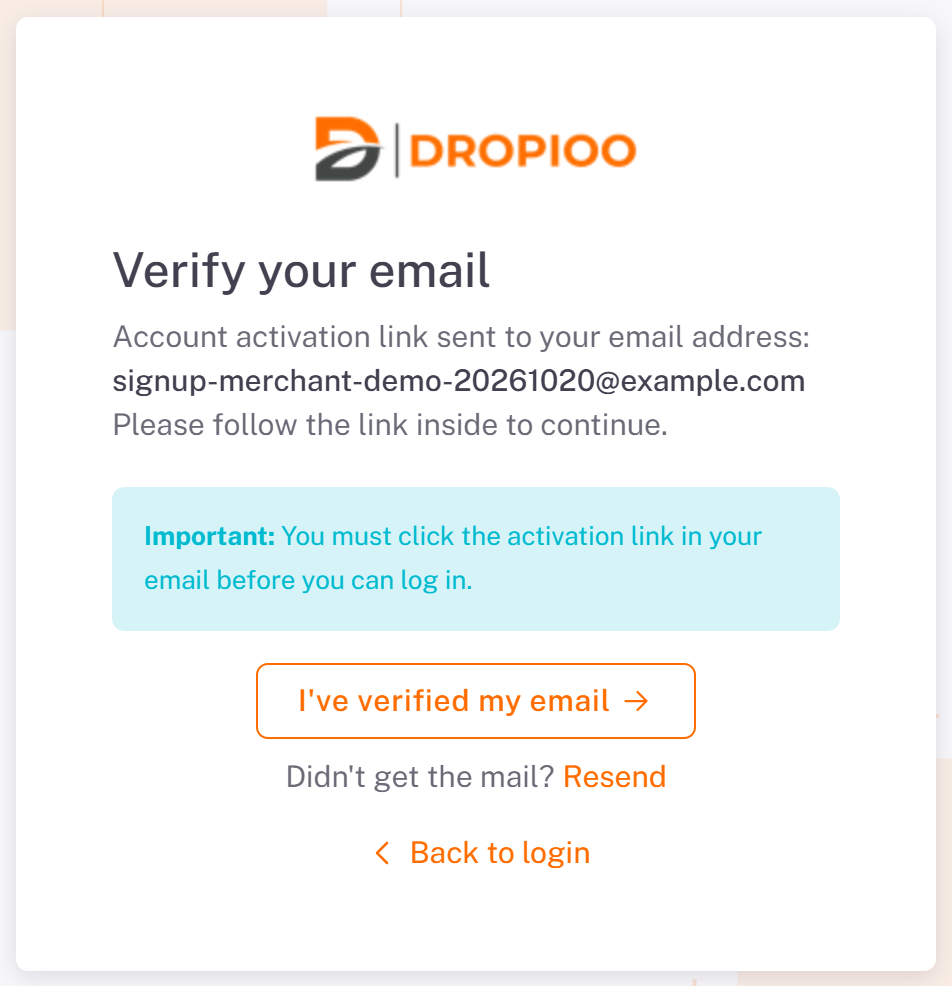
2. The Verify your email page confirms where the link was sent. Open the email and click the link. The link is valid for 24 hours. No email? Check your spam folder, then click Resend.
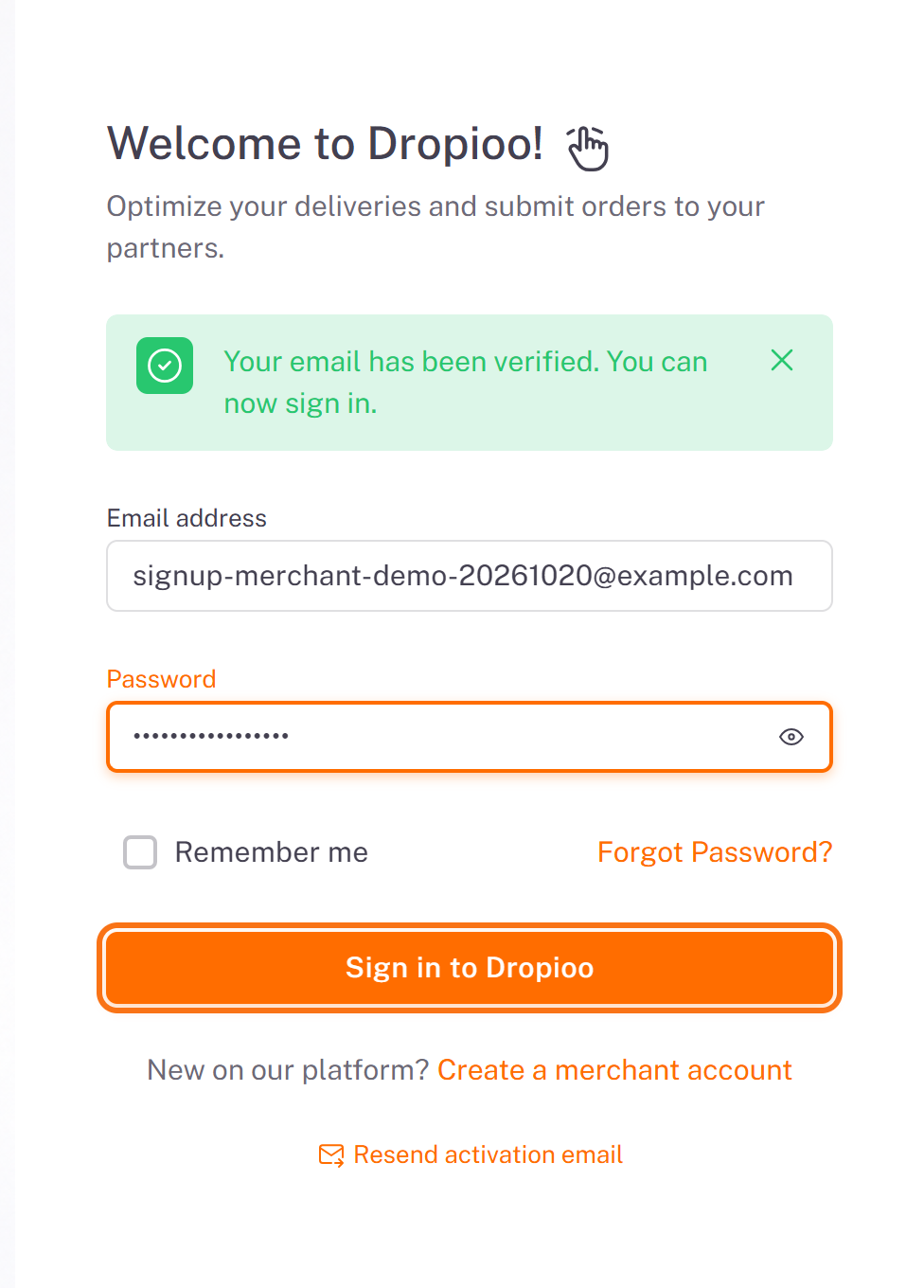
3. The link brings you back to the sign-in page with Your email has been verified. You can now sign in. Enter your email address and password, then click Sign in to Dropioo.
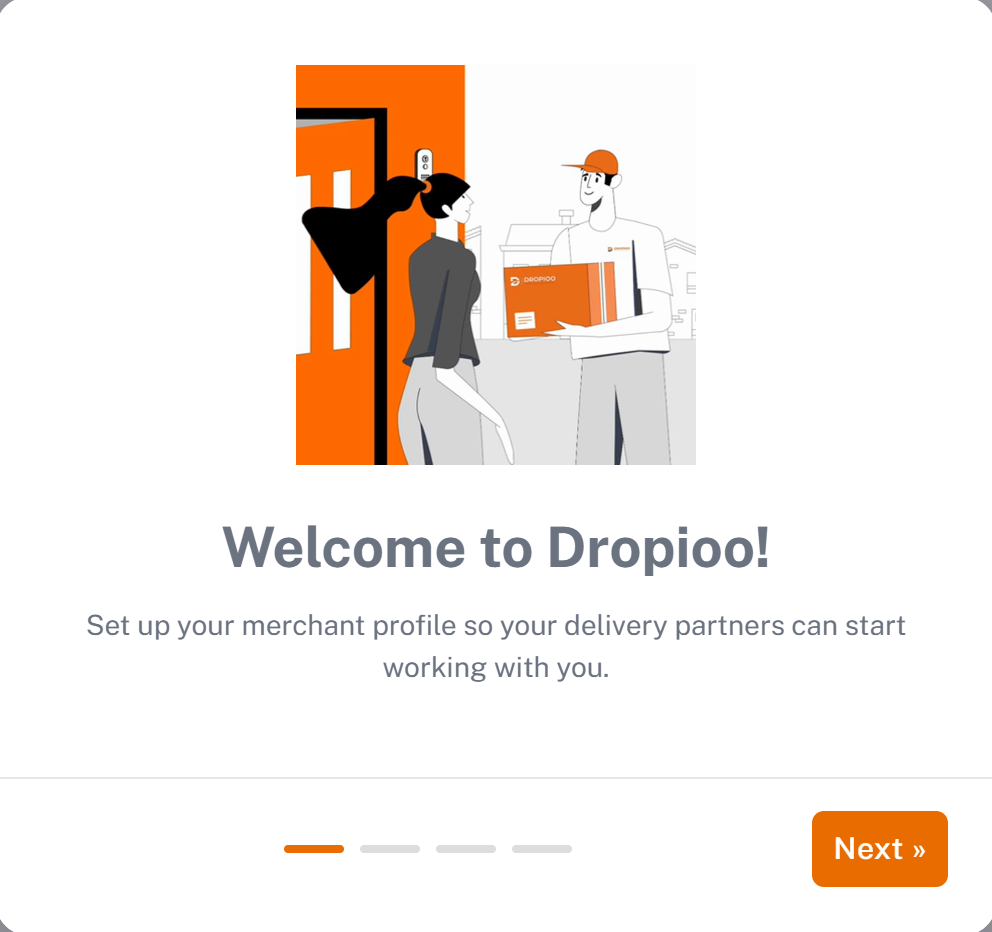
4. On your first sign-in, a welcome wizard opens. Click Next.
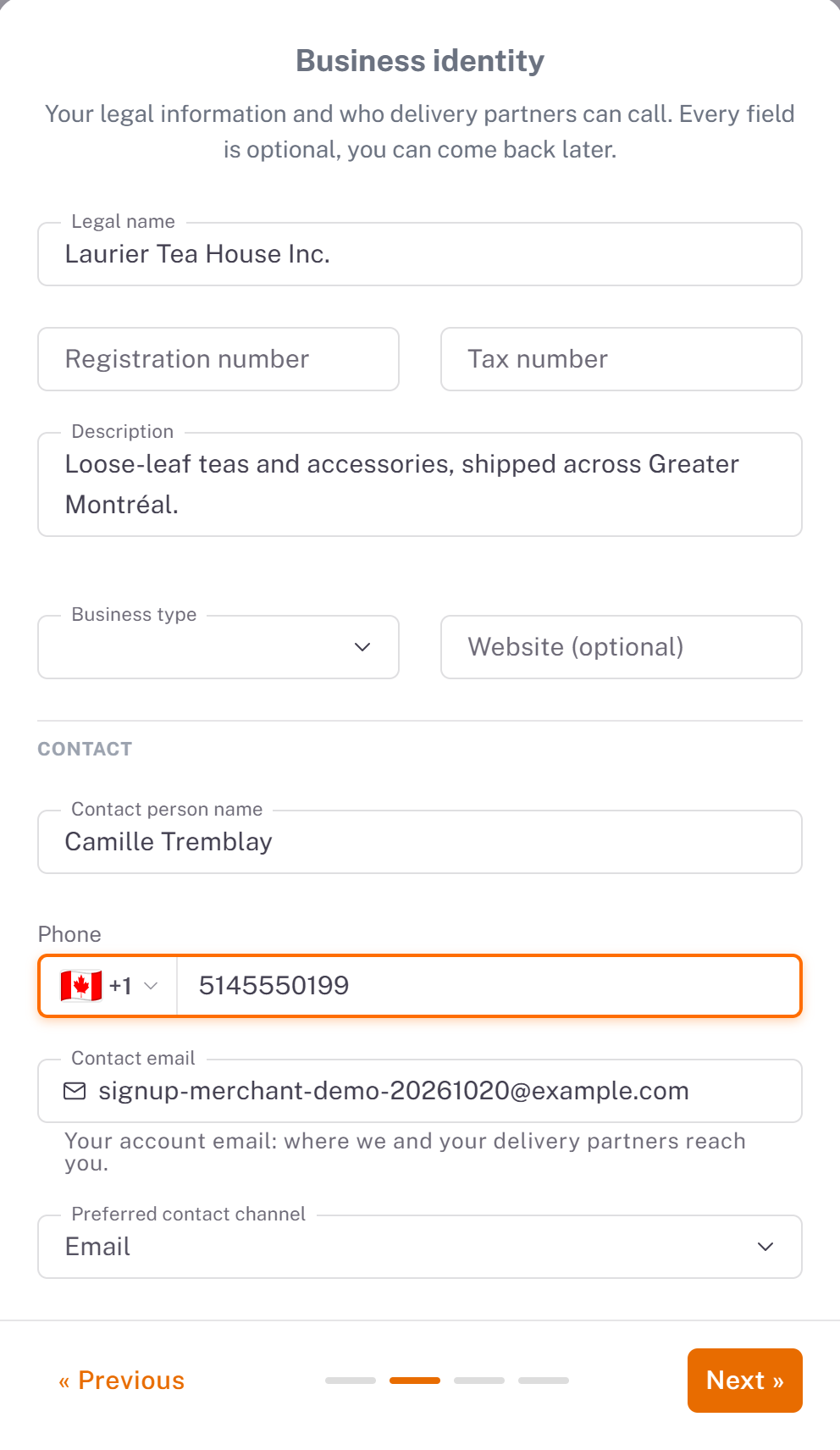
5. Business identity: your legal name, registration and tax numbers, a description, and the person carriers can call (name, phone, preferred contact channel). Every field is optional: you can complete them later in Settings. Click Next: this step is saved.
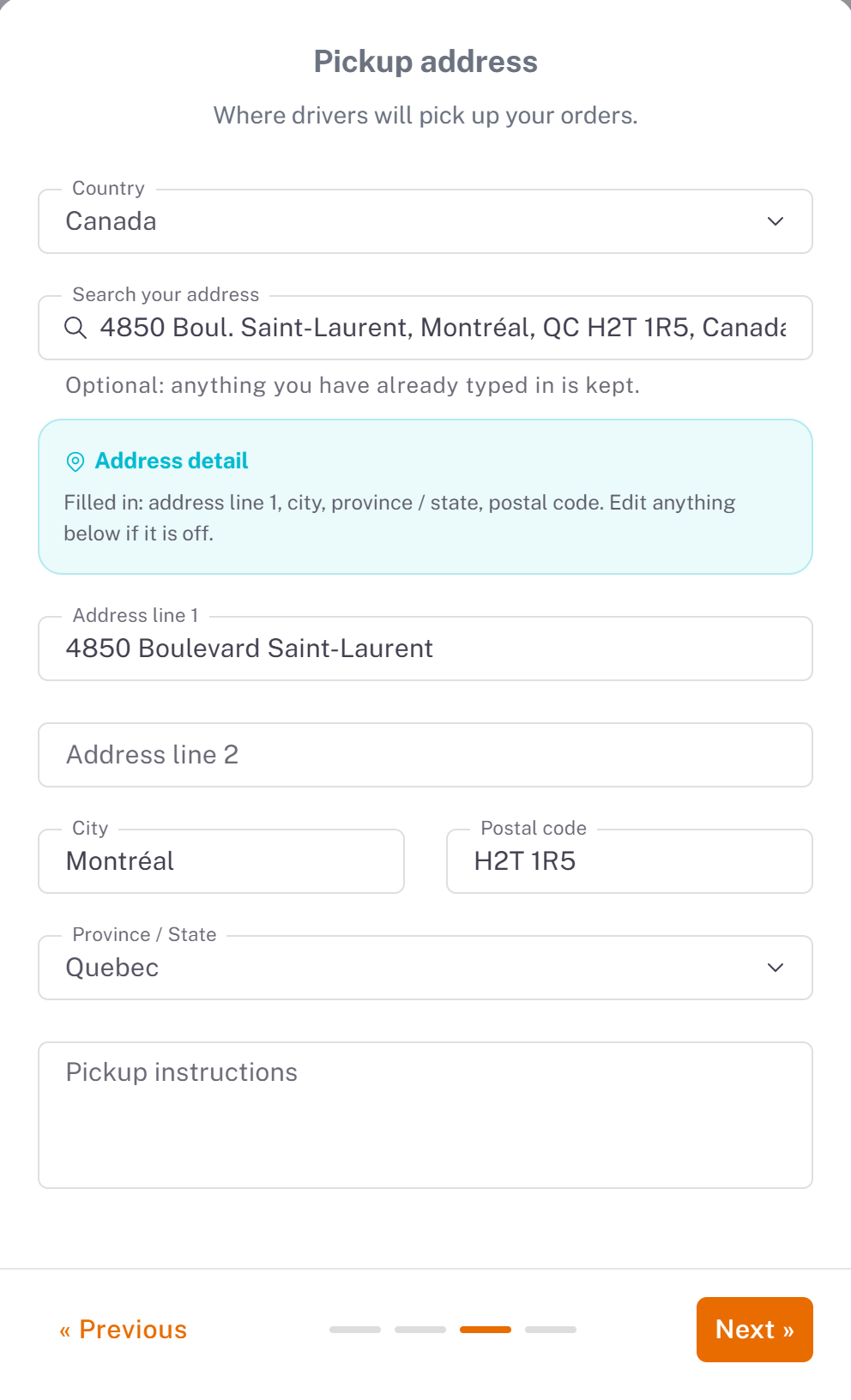
6. Pickup address: where drivers collect your orders. Type it in Search your address and pick a suggestion: the address lines, city, postal code and province fill in by themselves. Add Pickup instructions for the driver if needed. Click Next: this step is saved too.
7. Your delivery partner: look up your carrier by the code it gave you and send it a request, or click Skip for now. See [Connecting with a Delivery Partner](../03-connecting-with-a-delivery-partner/en.md).
Result
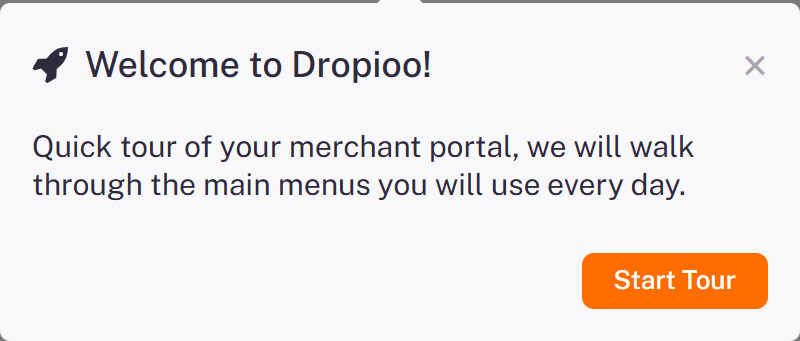
You land on your Dashboard. A short tour shows the main menus: click Start Tour, or close it with the cross.
Good to know
Steps 2 and 3 of the wizard are saved as soon as you click Next. Closing the wizard on the last step loses nothing.
Forgot your password? On the sign-in page, click Forgot Password? and follow the link sent by email.
You cannot submit orders until a carrier has accepted you as a partner.
Was this article helpful?
Still need help?
Contact support