
Table of contents
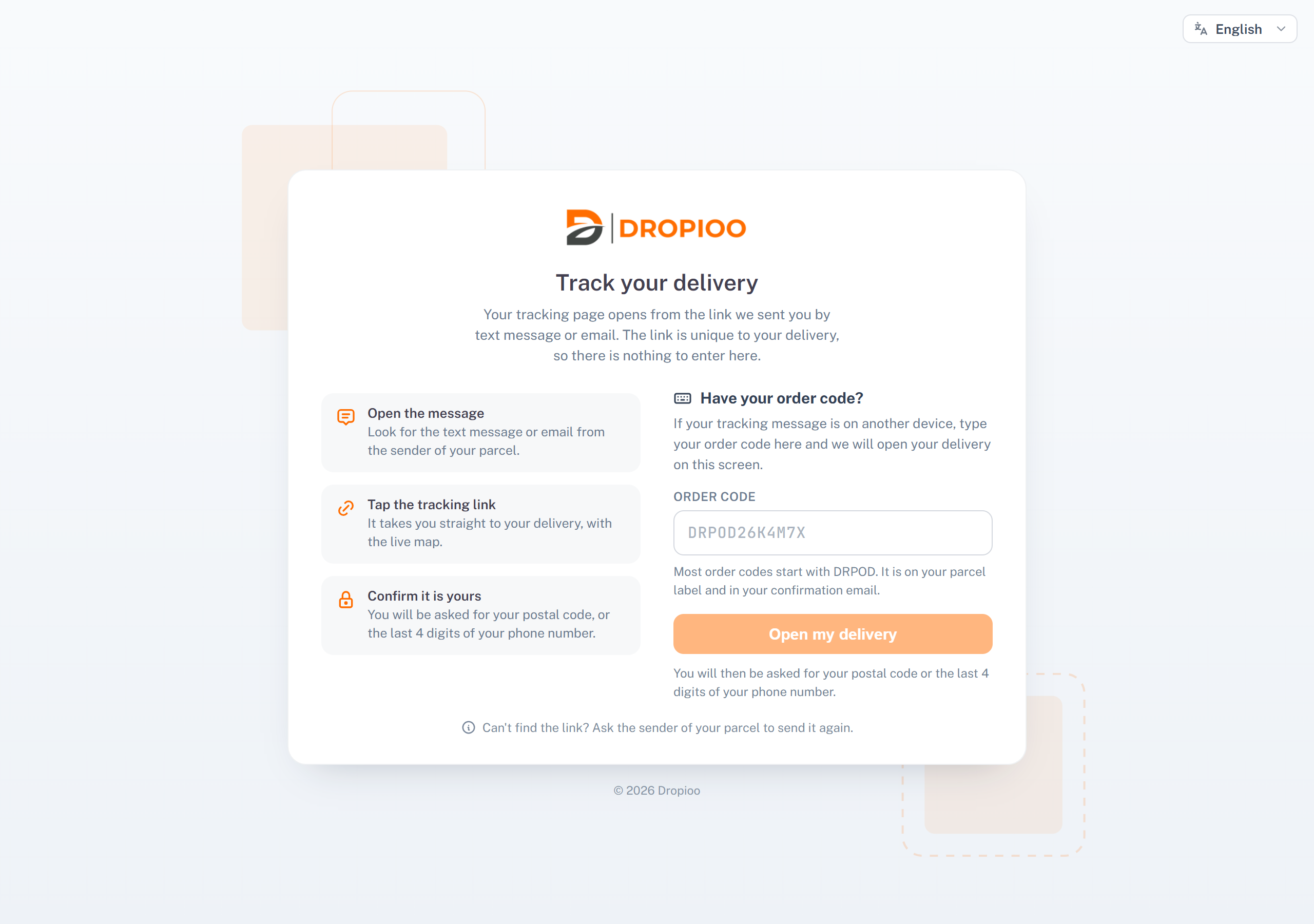
Open your tracking page
From the message (the usual way): tap the link in the text message or the email. It is unique to your delivery.
From another device: go to the Dropioo tracking page, type your Order code (it starts with DRPOD in most cases; it is on your parcel label and in your confirmation email), then click Open my delivery.
Confirm it is yours
To protect your information, the page asks for the postal code of the delivery address, or the last 4 digits of the phone number given to the sender. Type one of them, then click View my delivery. Spaces and capitals do not matter in the postal code.
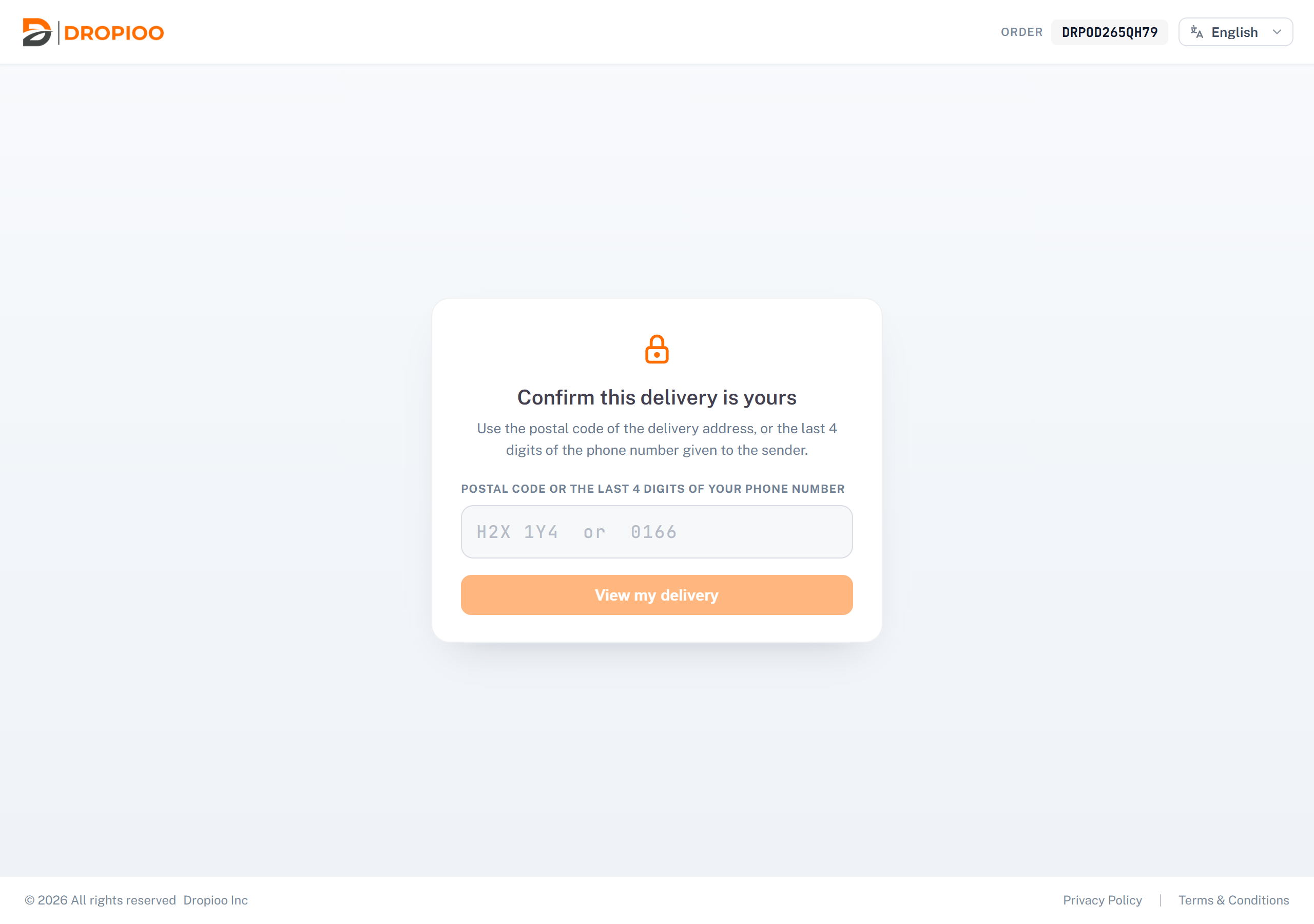
After too many wrong attempts, the page asks you to wait a little before trying again.
Read your tracking page
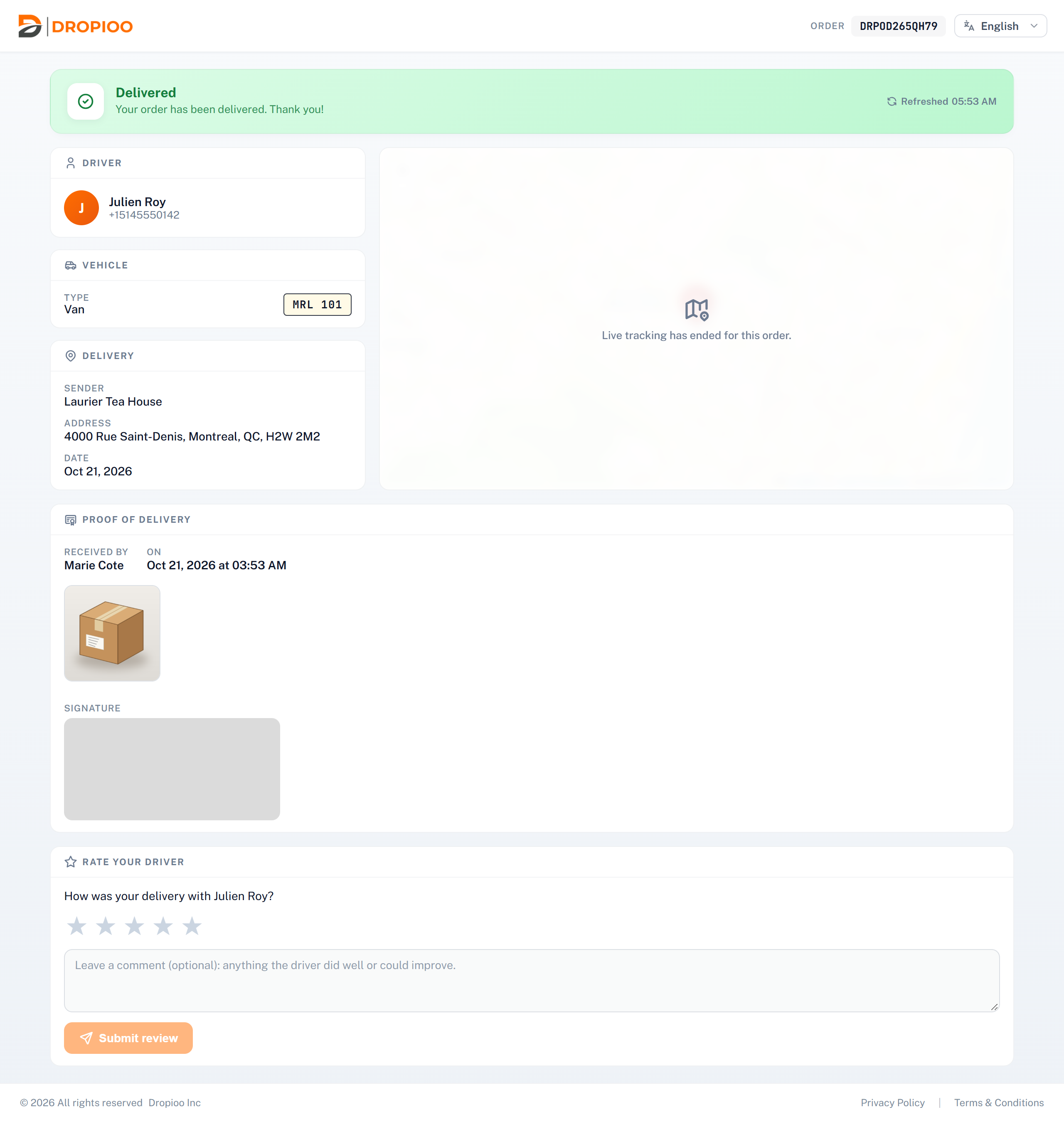
The status at the top: for example Scheduled for delivery, Out for delivery, On the way or Delivered, with the time it was refreshed.
Driver: your driver's name and phone number, with a Call button while the delivery is under way.
Vehicle: the vehicle type and plate.
Delivery: the sender, the address, the date and the time window.
The map: when your order is on its way, it shows where your driver is. Live tracking ends once the delivery is done.
Proof of delivery and Rate your driver appear once your order is delivered.
Was this article helpful?
Still need help?
Contact support