
Table of contents
Steps
1. In the menu, click Settings. The Account tab opens. At the top, a card sums up your business name, your account email, your country and Verified once your email is confirmed.

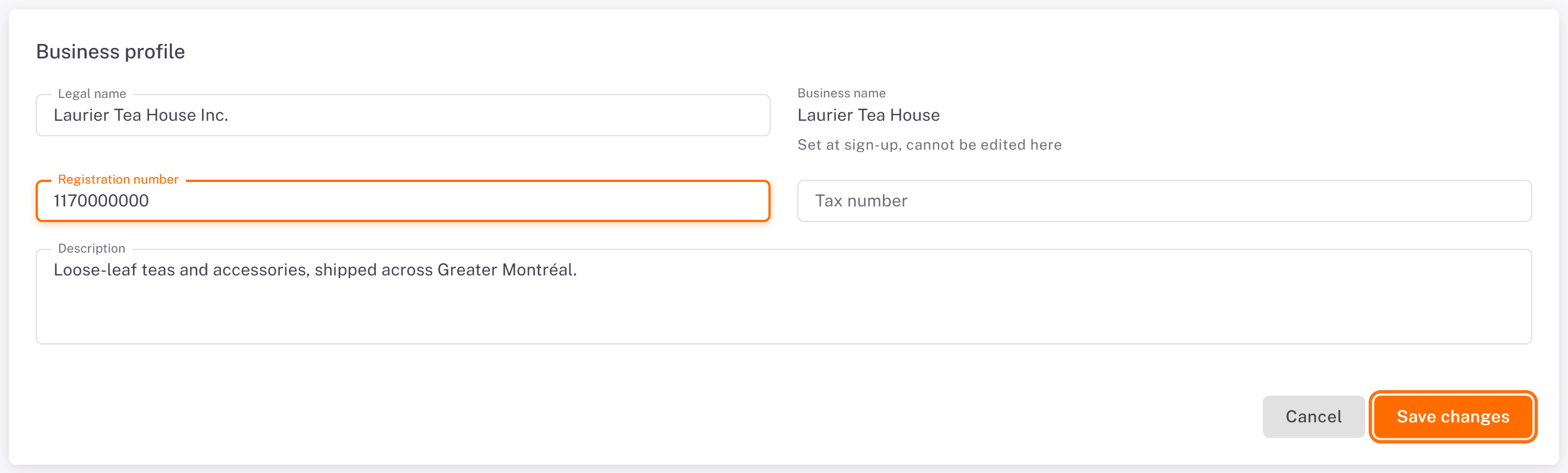
2. Business profile: click Edit. You can change the Legal name, the Registration number, the Tax number and the Description (up to 2,000 characters). Click Save changes, or Cancel to leave without saving.
3. Contact: click Edit to change the Owner / main contact, the Primary phone, a Secondary phone and the Preferred contact channel (Email, Phone call, SMS or WhatsApp). This is how your carriers reach you. Click Save changes.

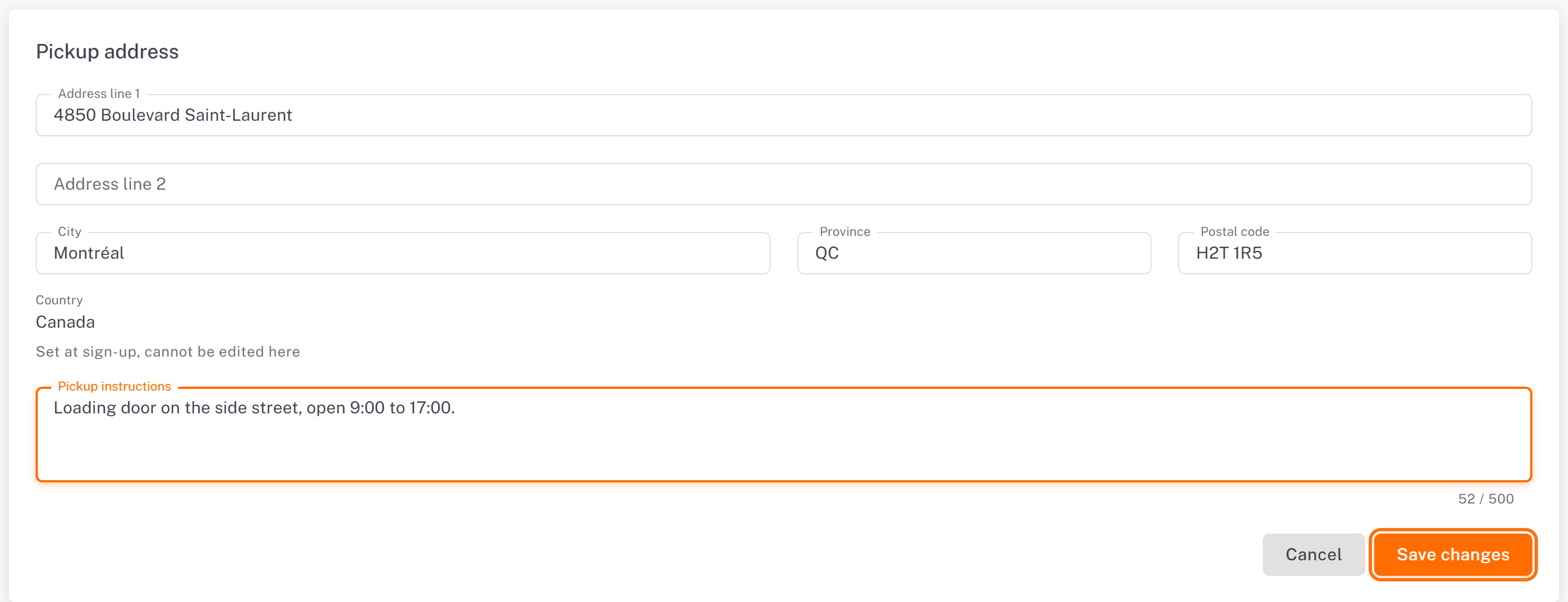
4. Pickup address: click Edit to change the address lines, City, Province and Postal code, and the Pickup instructions for drivers (up to 500 characters, for example the door to use and opening hours). Click Save changes.
Good to know
The Business name and the Country are set at sign-up and cannot be changed from the portal.
Each section is saved on its own: saving the contact does not save a business profile you are still editing.
The pickup address is printed in the FROM block of your package labels.
Was this article helpful?
Still need help?
Contact support