
Table of contents
Process – Managing Services
The Services module allows users to create, manage, edit, and organize the additional services that can be assigned to customer orders. These services can represent special delivery requests, installation services, assembly services, or any other value-added service offered by the company.
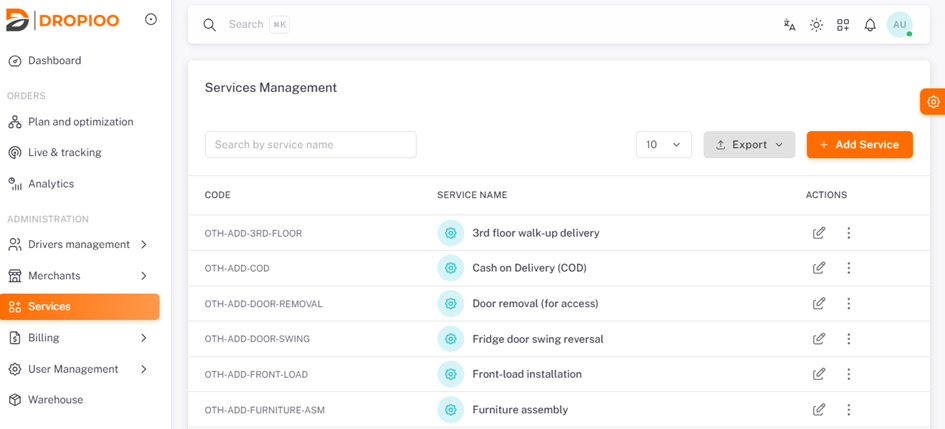
To access this module, navigate to Administration and select Services.
Creating a Service
To create a new service, click the Add Service button .
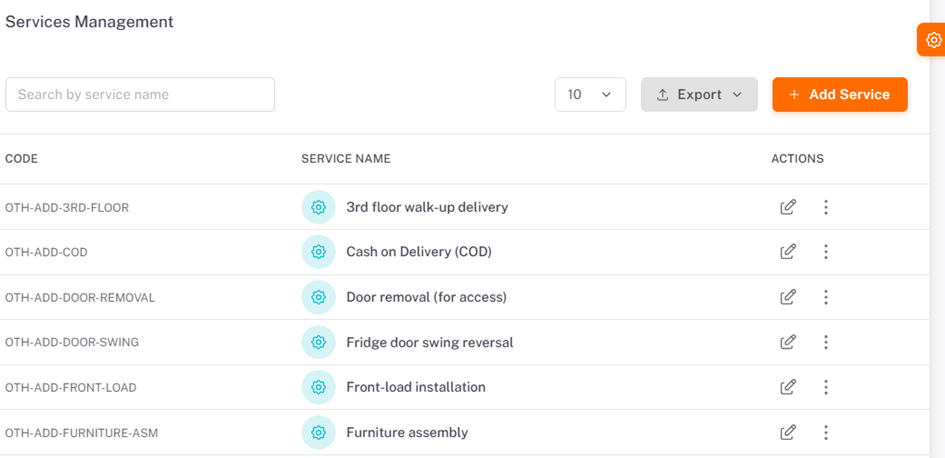
A service creation form will appear where the required information must be entered.
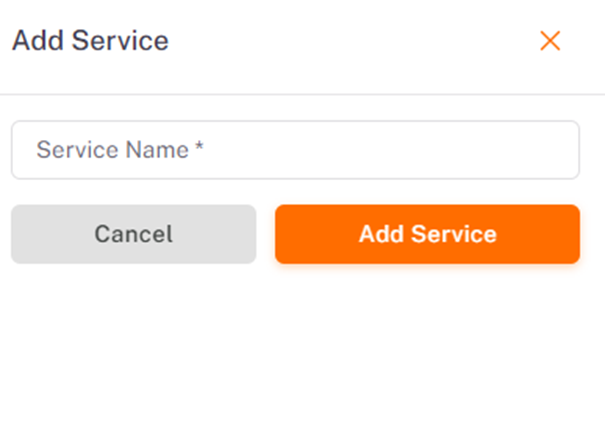
Service Name: Enter a descriptive name for the service.
Example: Furniture Assembly
After completing the required fields, click Create Service to save the new service.
Was this article helpful?
Still need help?
Contact support